What is NAS?
Your files, together.
Your storage, at home.
NAS means Network Attached Storage: a storage device on your home or office network. It gives your devices one shared place for files, instead of spreading them across laptops and portable drives.
Meet UGREEN NAS 11-second brand animation
How does a NAS work?
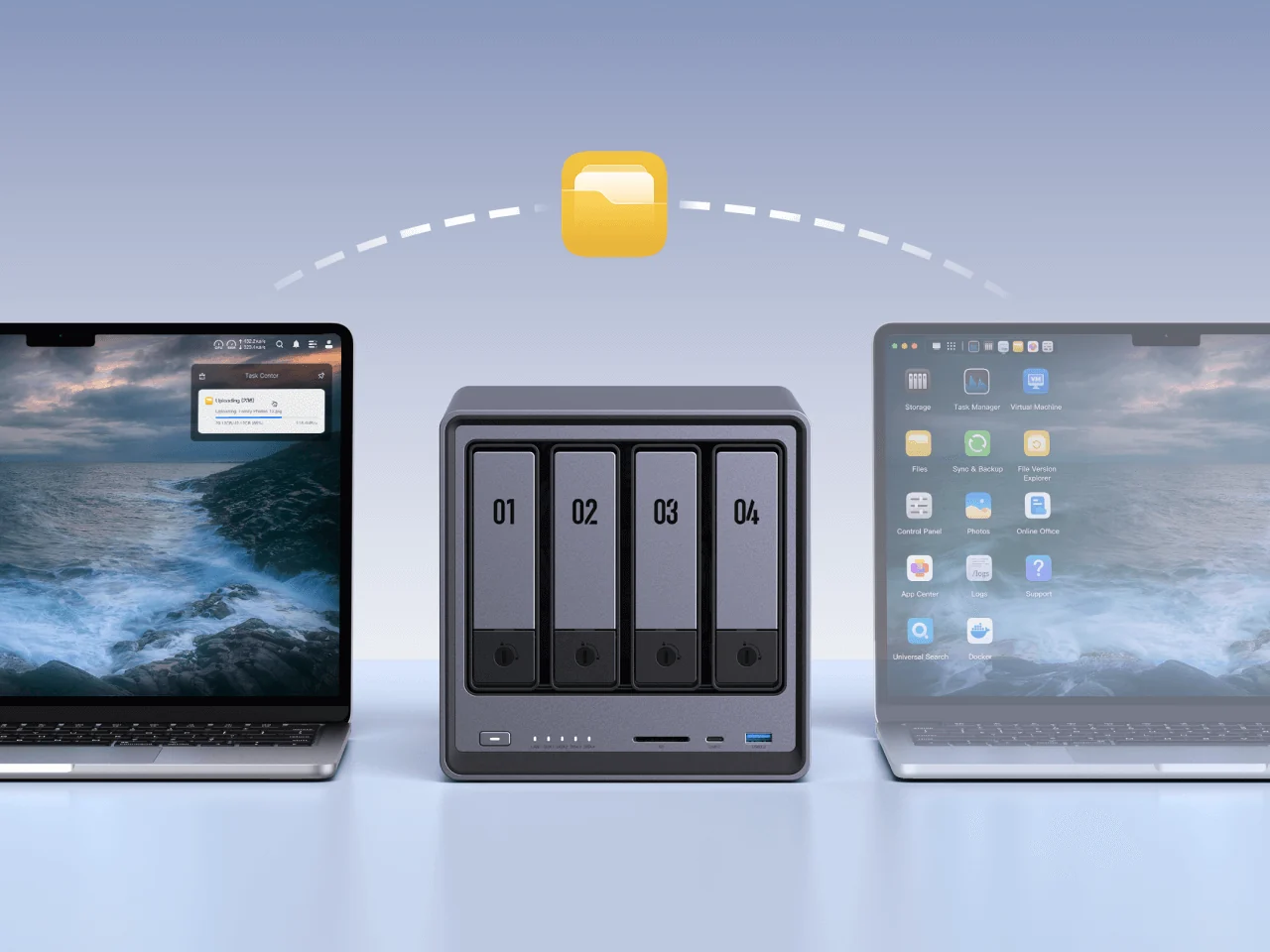
Your devices
Your phone, laptop or desktop joins your home or office network.
Your network
The NAS connects to your router or network switch, usually by Ethernet cable.
Your NAS
Your drives hold the files. Accounts and folder permissions decide who can see or change them. Connect through a supported app, browser or file-sharing service.
The NAS needs power and a working network. Your laptop does not have to stay switched on for other devices to use the NAS.
How much space will you actually have?
The NAS organises installed drives into storage pools and volumes. Your storage configuration affects usable capacity and protection against drive failure. Basic storage, JBOD and RAID options depend on the model and number of drives.
2 × 8TB drives → about 8TB usable
One drive mirrors the other. You can keep working if one drive fails.
4 × 8TB drives → about 24TB usable
Space is reserved for parity. This configuration can tolerate one drive failure.
These examples use matching drives and show capacity before system and file-system overhead. Check your NAS model’s supported RAID options. RAID does not replace a separate backup.
Try the RAID capacity calculator
How do computers and phones connect to the files?
Depending on the model and software, use a browser, desktop client, mobile app or supported file-sharing service. SMB commonly shares folders with Windows and macOS; NFS is often used with Linux and UNIX. Accounts can have separate permissions and storage quotas.
What would you use it for?
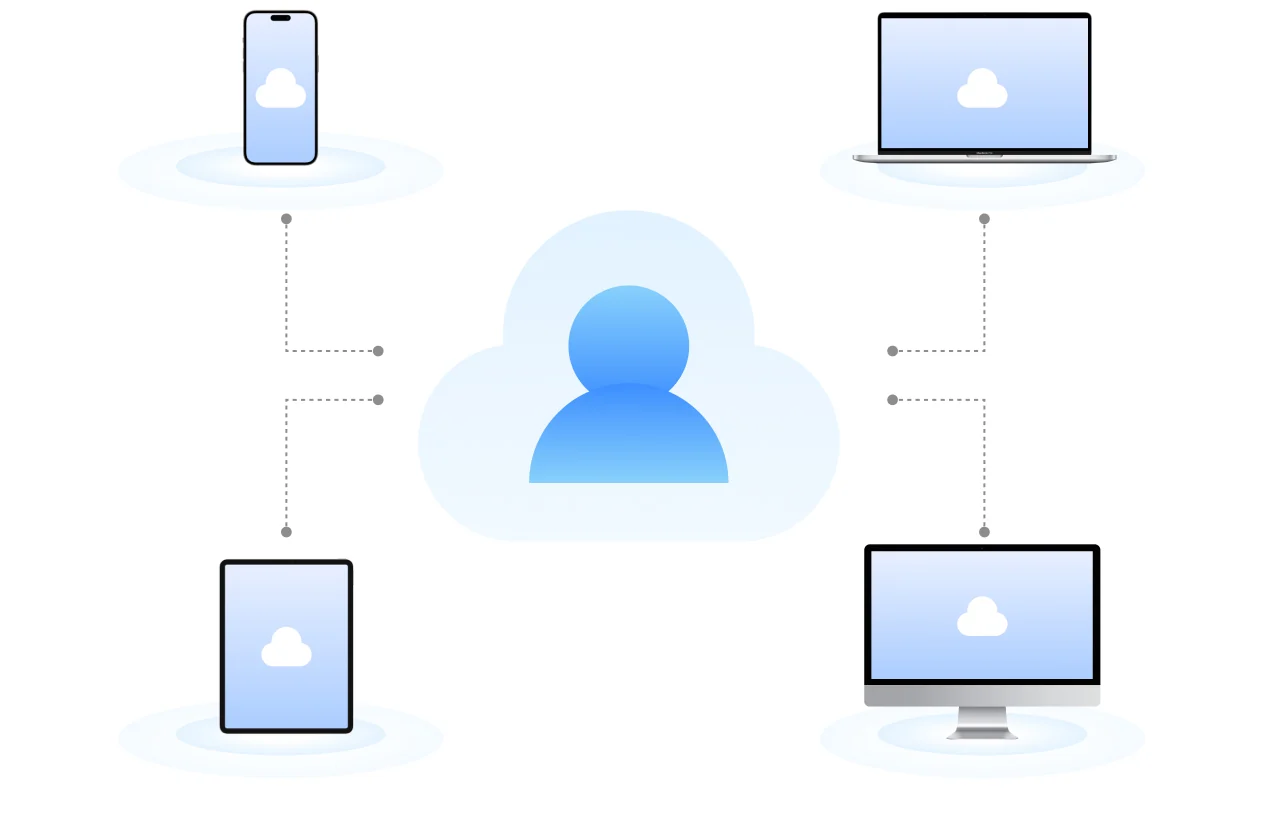
Keep your memories together.
Gather family photos and videos into one library, rather than leaving them scattered across old phones.
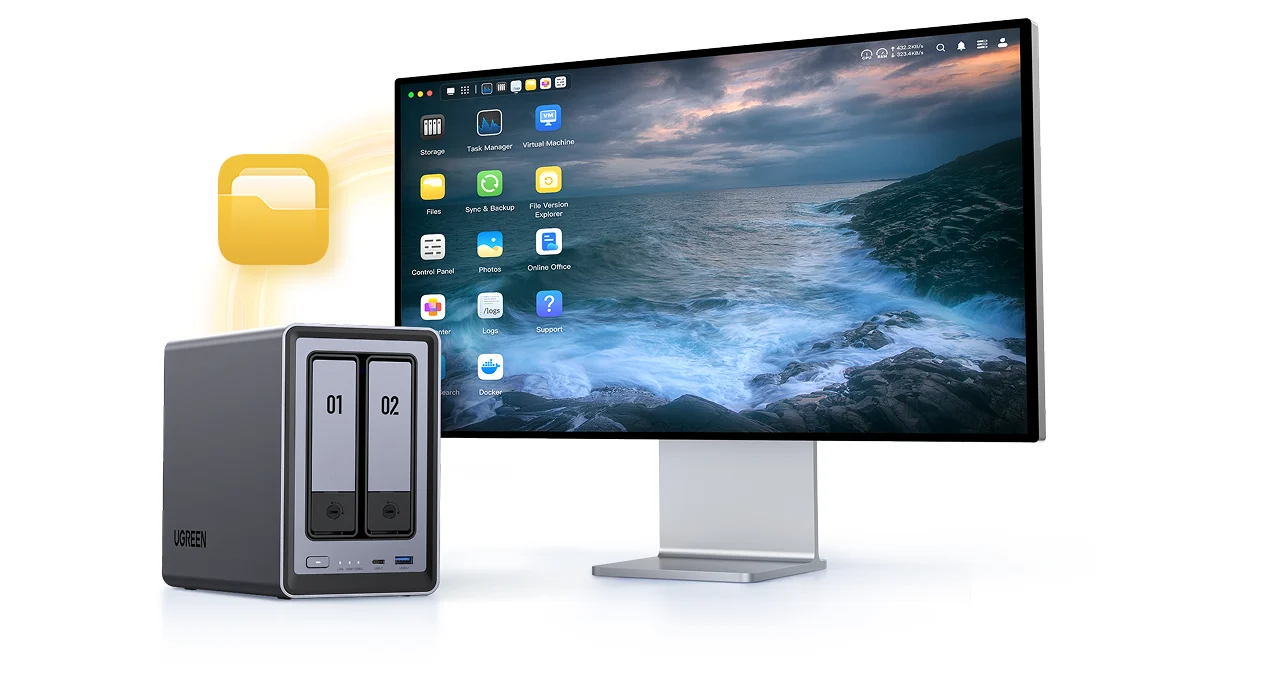
Give your files a second home.
Copy important computer files to your NAS and use supported mobile apps to back up photos and videos from your phone.
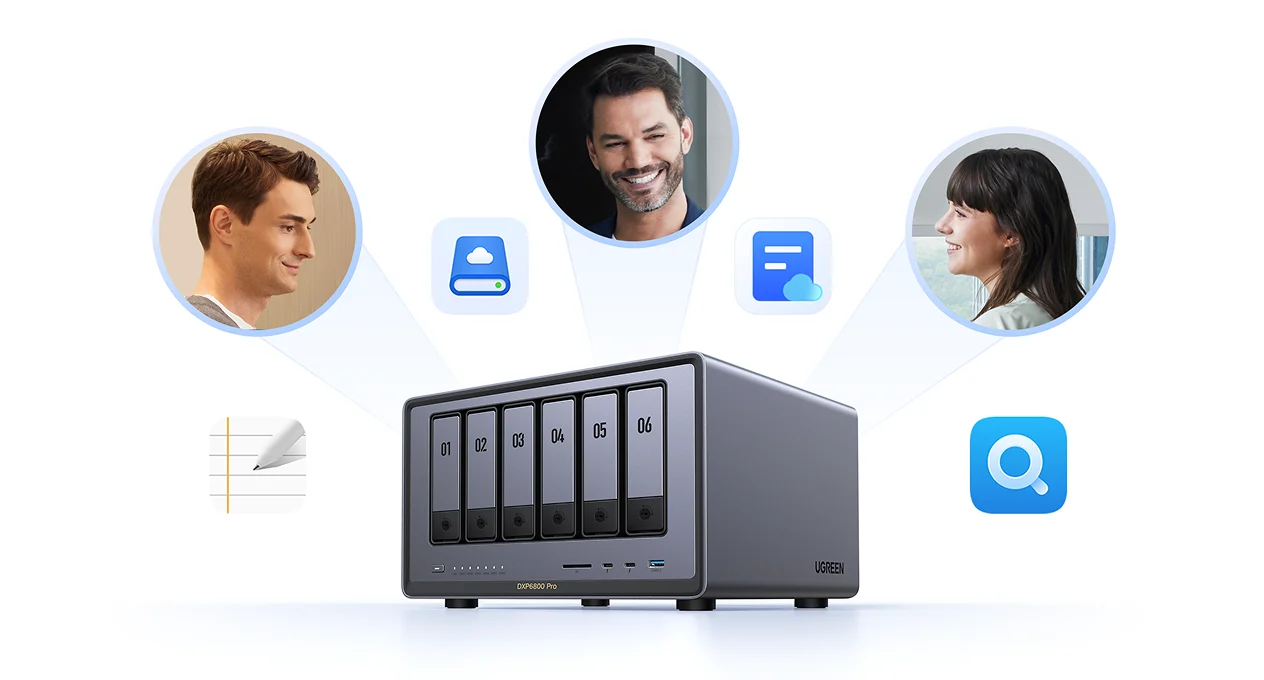
Share the files you need.
Bring large photos, video projects and documents into shared folders. Give each family or team member access to the files they need.
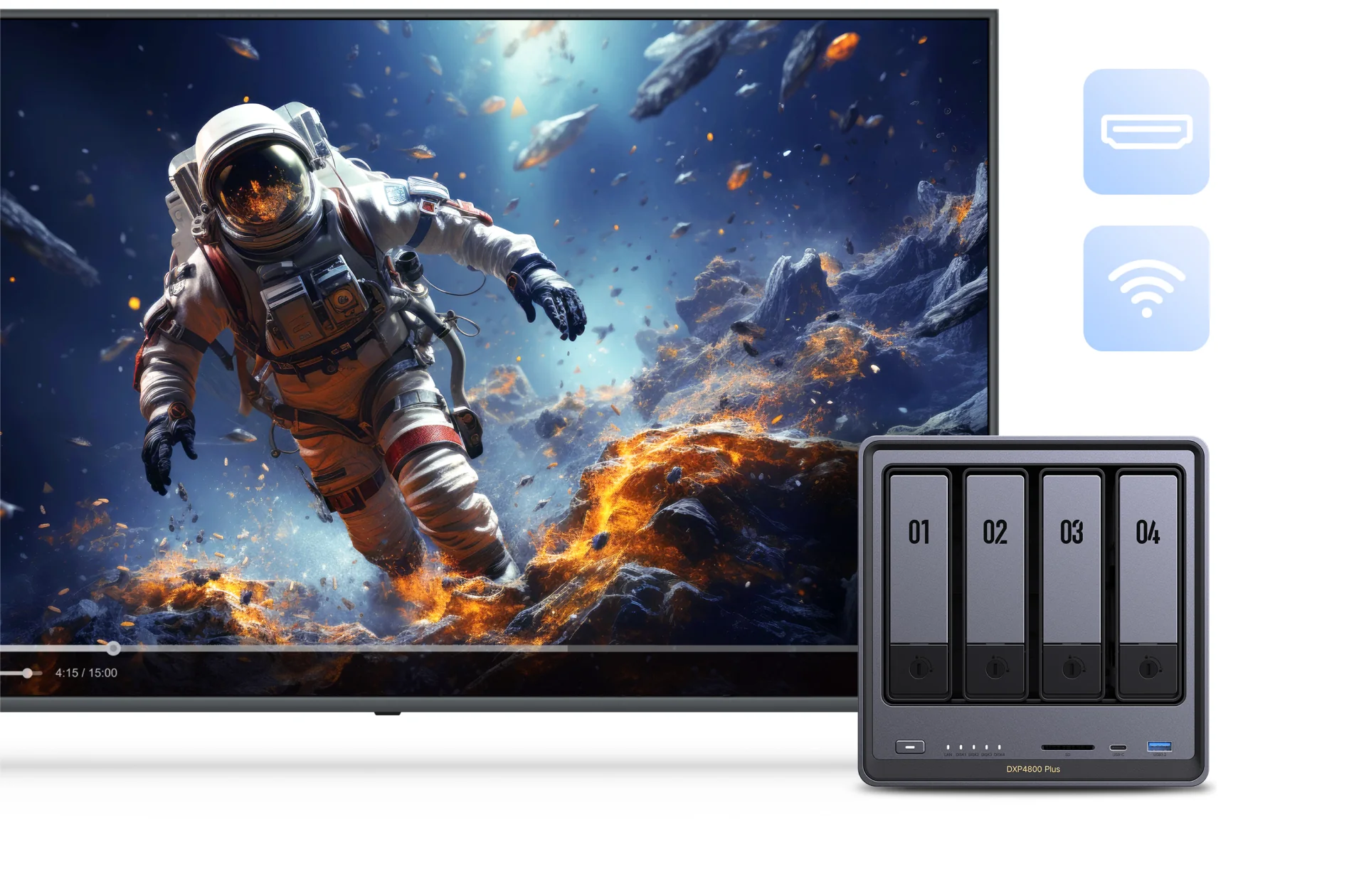
Build your own collection.
Organise music and videos for supported devices and apps. Playback features vary by model and file format.
NAS, USB drive or cloud storage?
| Storage option | Where your files live | Typical cost model | When it makes sense |
|---|---|---|---|
| NAS | On drives in your network storage device | NAS and drives purchased upfront | Several devices or people need access to a shared library. |
| USB drive | On a drive plugged into a device | Drive purchased upfront | You want a portable copy or simple storage for one computer. |
| Cloud storage | On a provider’s servers | Usually a recurring storage plan | You want online access through a hosted service, usually with a storage plan. |
You can use them together. A NAS can hold your working files, while a separate drive or cloud service holds another backup.
Choose a NAS that fits your setup.
Before choosing a model, think about the files you have today, how quickly that collection is growing and who needs access.
Explore UGREEN NAS at Chaos- Plan your drives.
Check drive bays, supported HDDs or SSDs and usable capacity after your chosen storage configuration.
- Read the bundle details.
A diskless NAS needs separate drives. A storage bundle may include them; check the exact product listing.
- Match your network and workload.
Compare connections, processor, memory and app support. Actual transfer speed also depends on your drives and network.
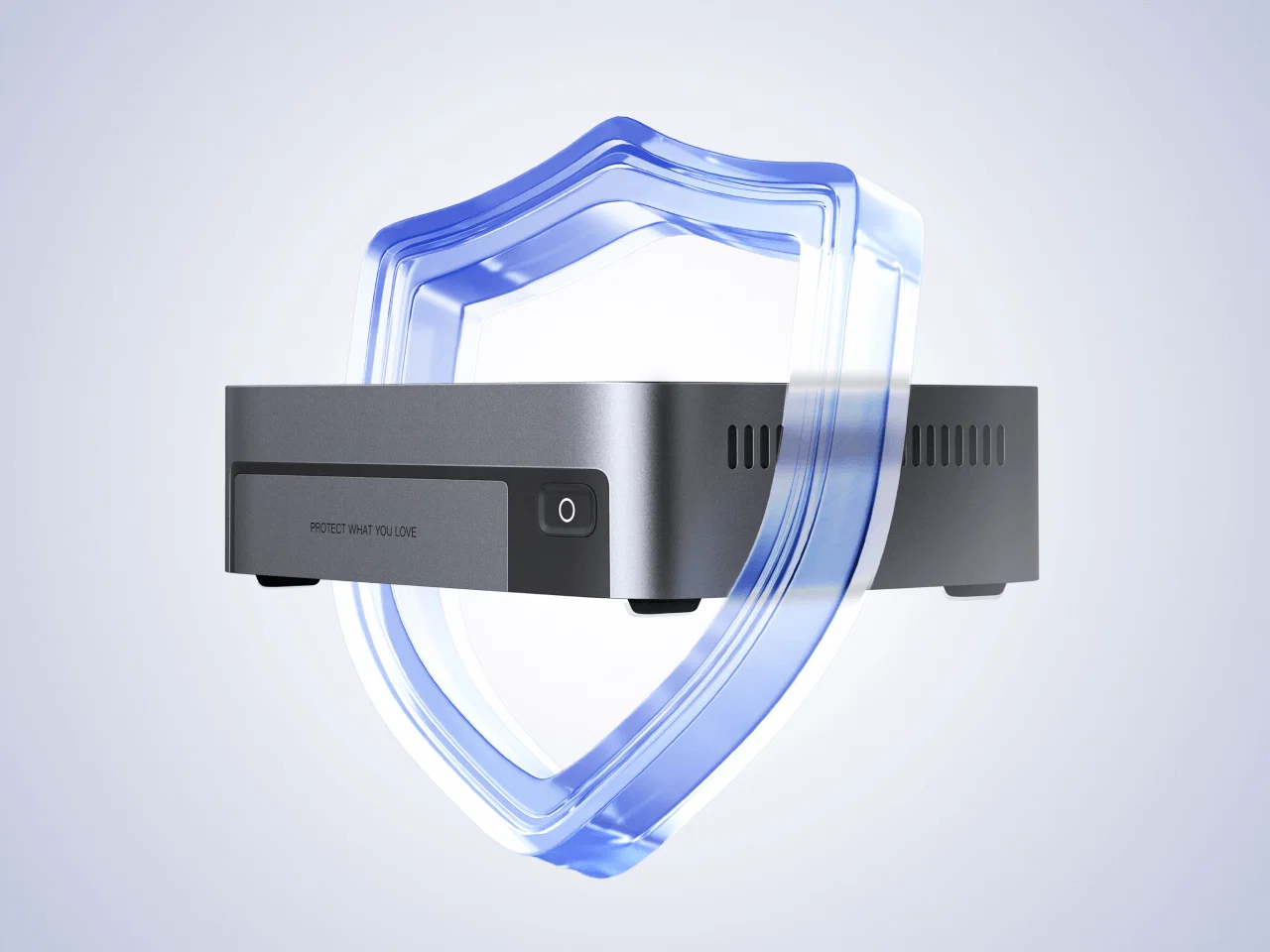
Keep another copy.
RAID can help a NAS keep working through certain drive failures. A separate backup gives you another copy to recover from when something happens to the NAS or its files.
Choose a backup destination apart from the NAS itself, and check that you can restore the files you need.
NAS questions, answered.
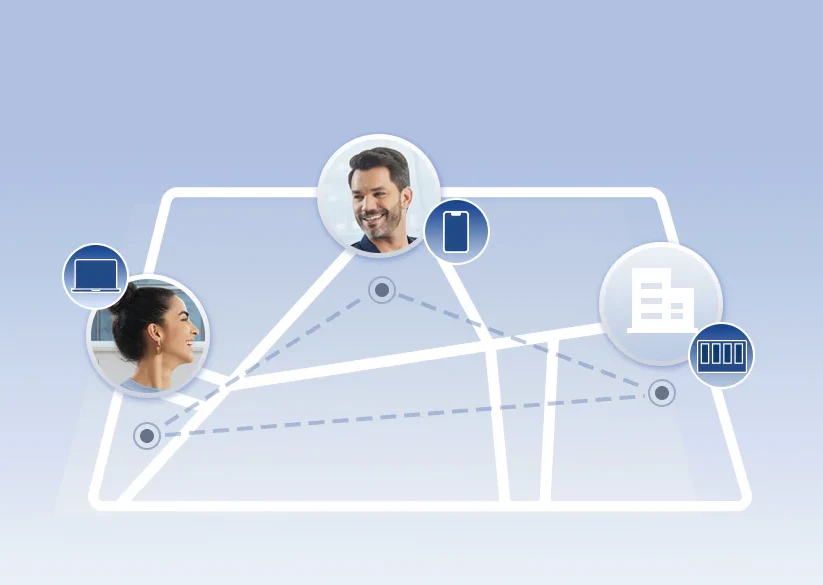
Can I access my NAS away from home?
Supported remote access needs an internet connection and setup. Keep the NAS updated, use strong account security and enable two-factor authentication where supported.
Does it work without internet?
Local file access can work over your home or office network without an internet connection. Remote access and online services need internet.
Does RAID replace a backup?
No. Some RAID configurations help when a drive fails, but they do not cover every way you could lose files. Keep another backup on a separate device or in another location.
Will every UGREEN NAS do the same things?
No. Bays, network speeds, supported drives and applications differ. Check the model’s specifications, especially for media processing, virtual machines or other demanding tasks.
Let’s find your first NAS.
Tell us what you want to store, which devices you use and how many people need access. We’ll help you choose the NAS and drives together.